





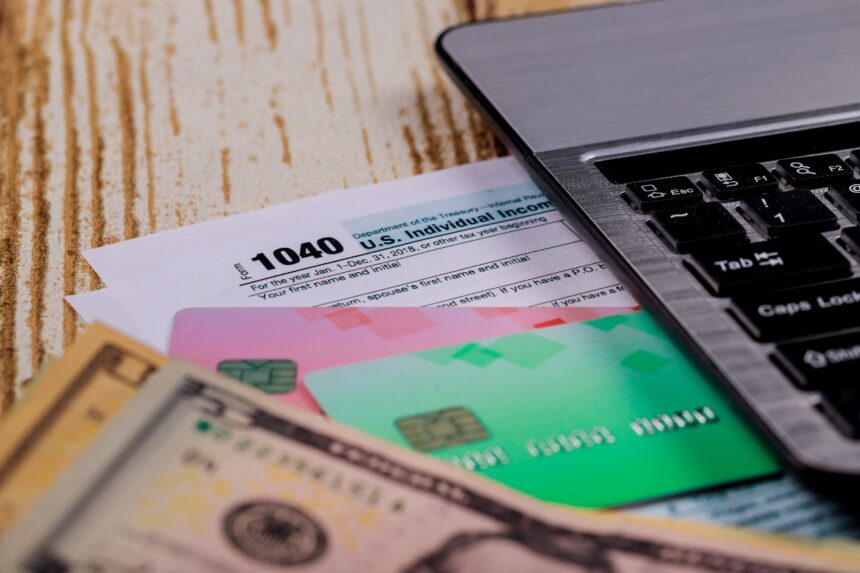
“Every dollar counts when it comes to the well-being of our families.” For millions of U.S. Hispanics, the stimulus check is essential financial relief.
If you haven’t received yours yet or want to check its status, you can do it quickly and securely online. In this QueOnnda.com article we explain how to track your check step by step using the official IRS tools.
1. Use ‘Get My Payment

The Internal Revenue Service (IRS) has enabled the Get My Payment platform, a reliable tool to track your stimulus check. Follow it like this:
Log on to the official website: irs.gov/coronavirus/get-my-payment.
Enter your Social Security Number (SSN) or ITIN, date of birth and address.
Click “Continue” and check your status.
Note: If you see the message “Payment Status Not Available”, it means that the IRS is still processing your information or you are not eligible.
2. Verify your banking information
If you chose direct deposit, your check should arrive faster.
If you recently changed your bank or address, verify that the IRS has your correct information in the Get My Payment portal.
For physical checks, you can track the shipment through the U.S. Postal Service (USPS) Informed Delivery tool (usps.com).
Para millones de hispanos en EE.UU., el cheque de estímulo es un alivio financiero esencial
QueOnnda.com
3. Check the payment date
The IRS processes payments in batches, so some may take weeks to arrive.
If you recently filed your tax return, your check may be in process.
If you believe your payment was lost, you can file a payment trace with the IRS by calling 800-919-9835.
Don’t let uncertainty get the better of you.
Track the status of your stimulus check today and make sure you get what you are entitled to.
Share this information with your family and friends so they can also verify their payment of the next stimulus check!